Biz mPOS
Portable POS System: Accept Card Payments On The Go with Smartphones
Receive debit/credit card payments safely with your smartphone
Hi Boosties. Effective from 21 August 2024 , Biz mPOS will no longer be available.
All active subscriptions to the Biz mPOS service will automatically be cancelled. We would like to thank you for being a loyal BoostBiz merchant and apologise for any inconvenience caused.
If you have any further enquiries or are facing any issues, please reach out to our Customer Support team at business@myboost.com.my
Why Biz mPOS?
Running business on the go, the terminal machine is inconvenient to bring?
Not accepting credit/debit card because getting a terminal machine is expensive and troublesome?
Maintaining another machine and bank account are just not ideal for your business model?
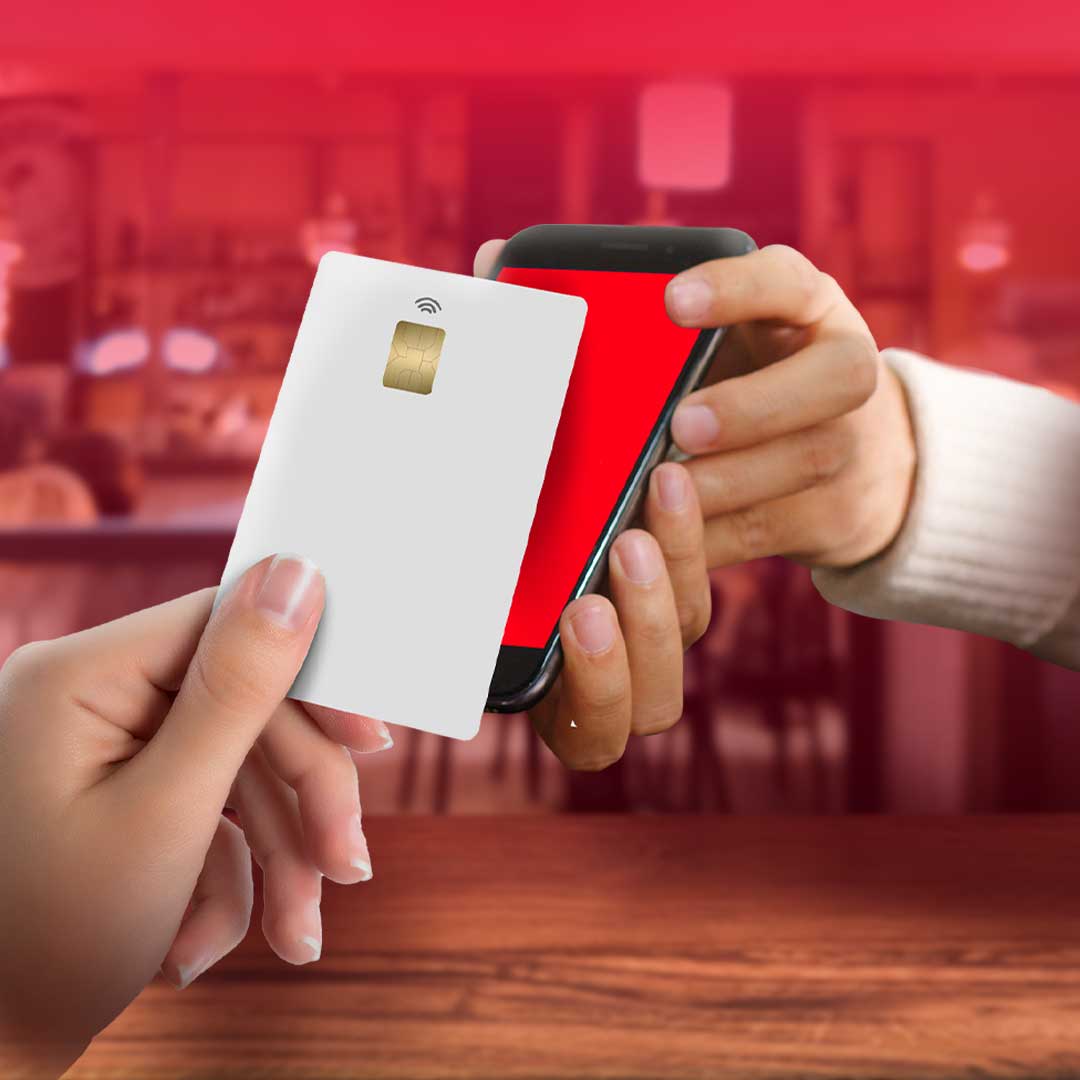
With Biz mPOS, customers just need to tap their credit/debit cards on your smartphones and the payments will be completed.
Easy, right?
Key Features
Accept Payments On The Go
Receive payments wherever you are, with only a smartphone.
No Contract, No Commitment
Subscribe or cancel any time with no worries about hitting your sales target.
Credit and Debit Card Acceptance
Safely accept Visa, Mastercard and UnionPay, both local and international cards.

Friendly To The Environment
Reduce receipt printing. Send e-receipts to your customers via email or SMS.
Wondering If This is For You?

Travelling to client's place to provide service?
Whether you're a technician or a beauty service provider working from home, Biz mPOS makes it easier for you to take care of your clients by offering them different payment options on the go!

Business on mobile trucks or pop-up stalls?
Don't lose your customers due to limited payment methods. Accept card payments just with your smartphone!
Bring it with you anywhere you go.
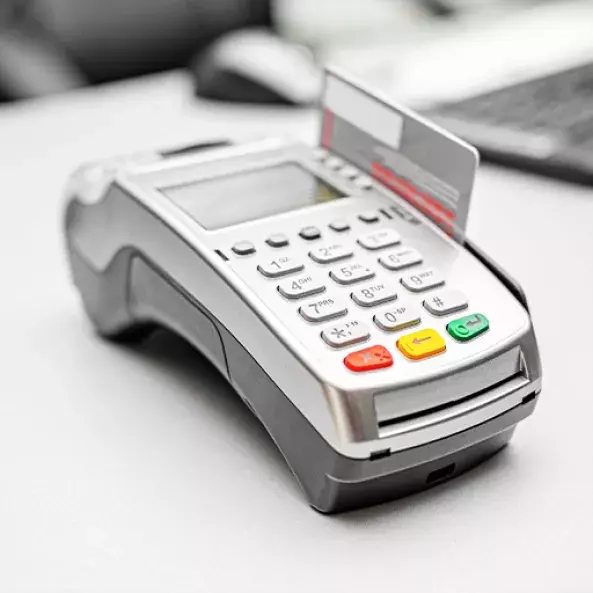
Too expensive to rent a terminal device?
Want to accept credit/debit card payment but getting a terminal machine is not an affordable solution for you? Opt for Biz mPOS with no commitment and a low subscription fee.
4 Steps to Accept Card Payment on Your Smartphone
*available for Android phones with NFC
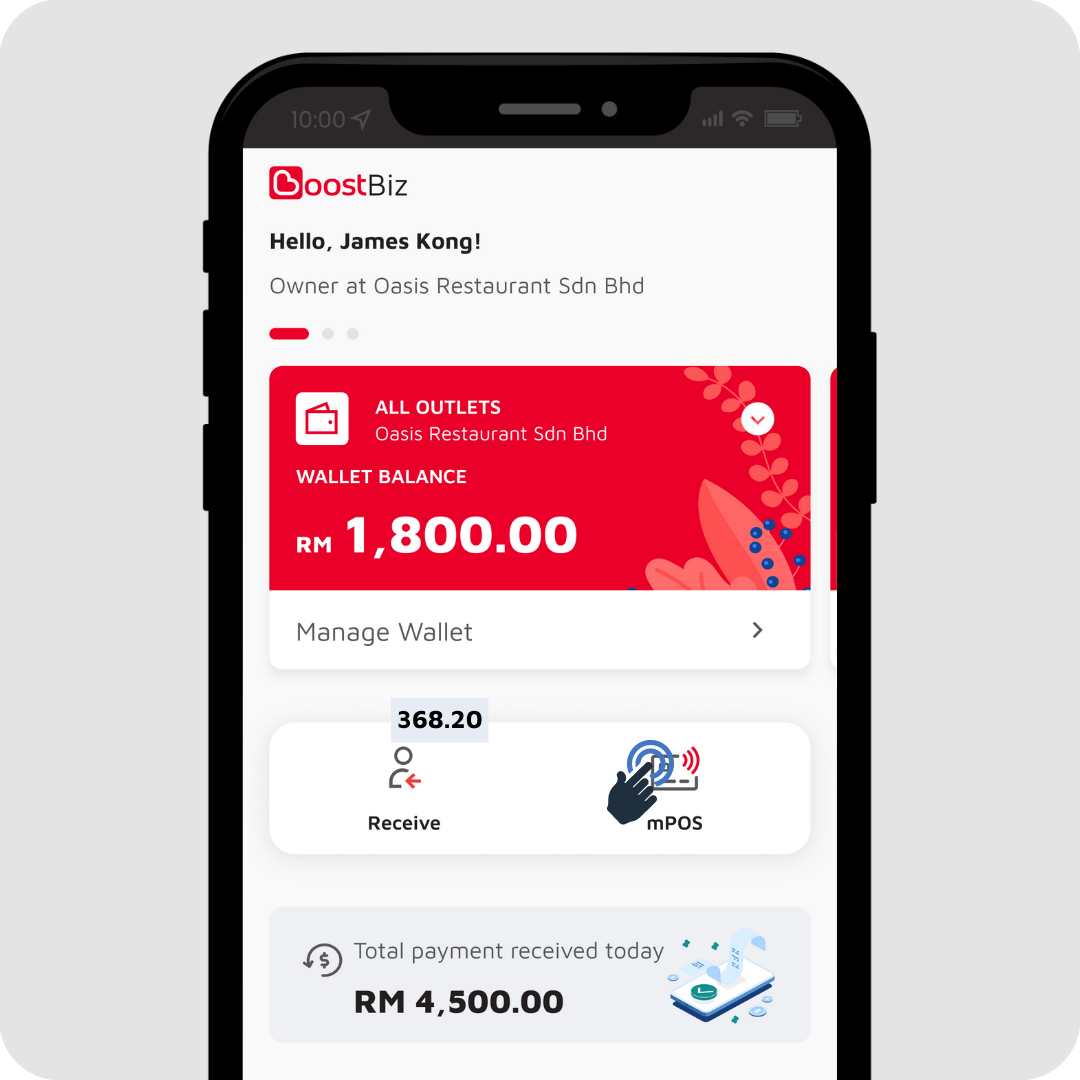
Step 1
Tap on mPOS
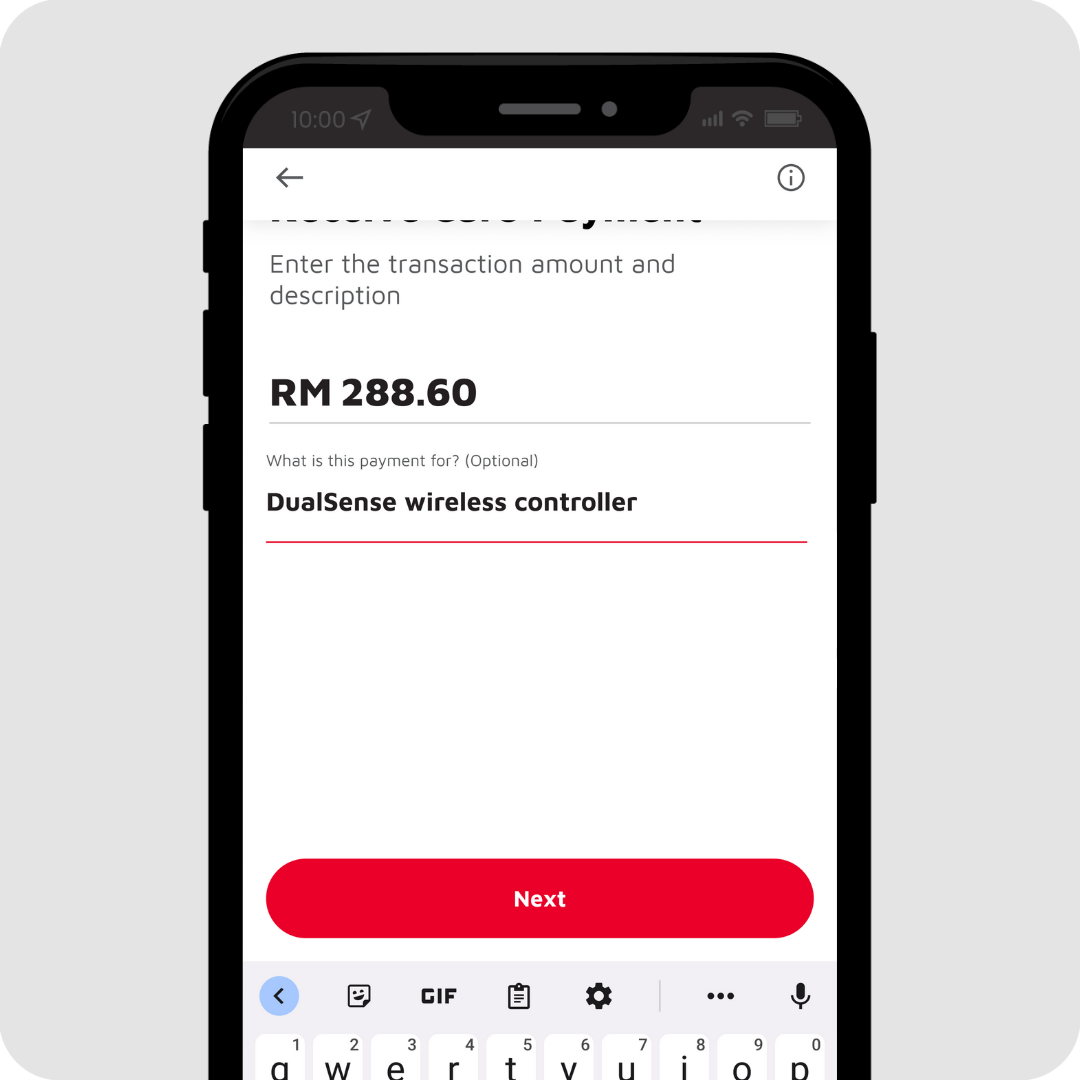
Step 2
Enter amount and tap on Next
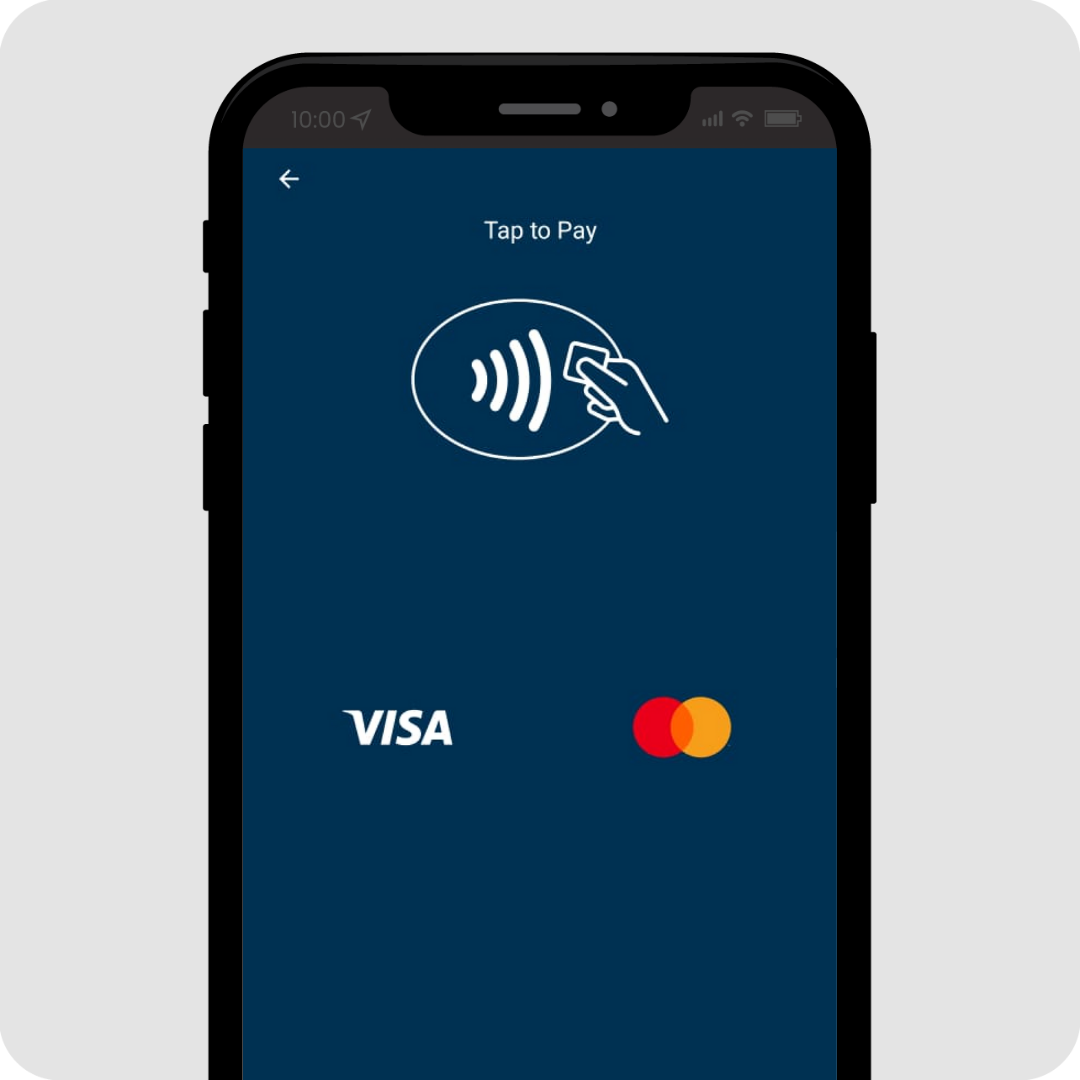
Step 3
Customer tap card on mobile device
Customers tap the payment cards on your smartphone.
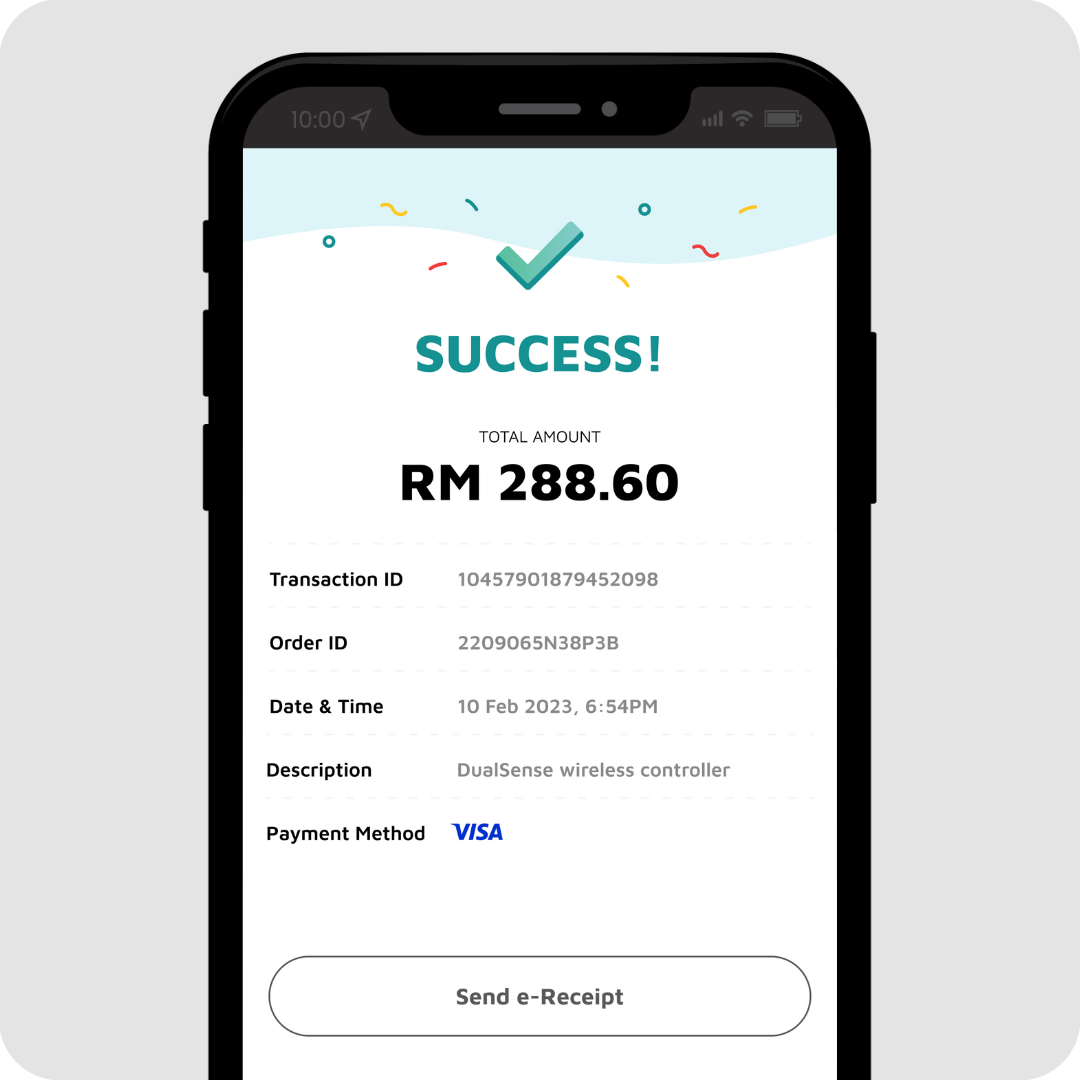
Payment Successful!
Payment status will be shown
Tap on Send e-Receipt.
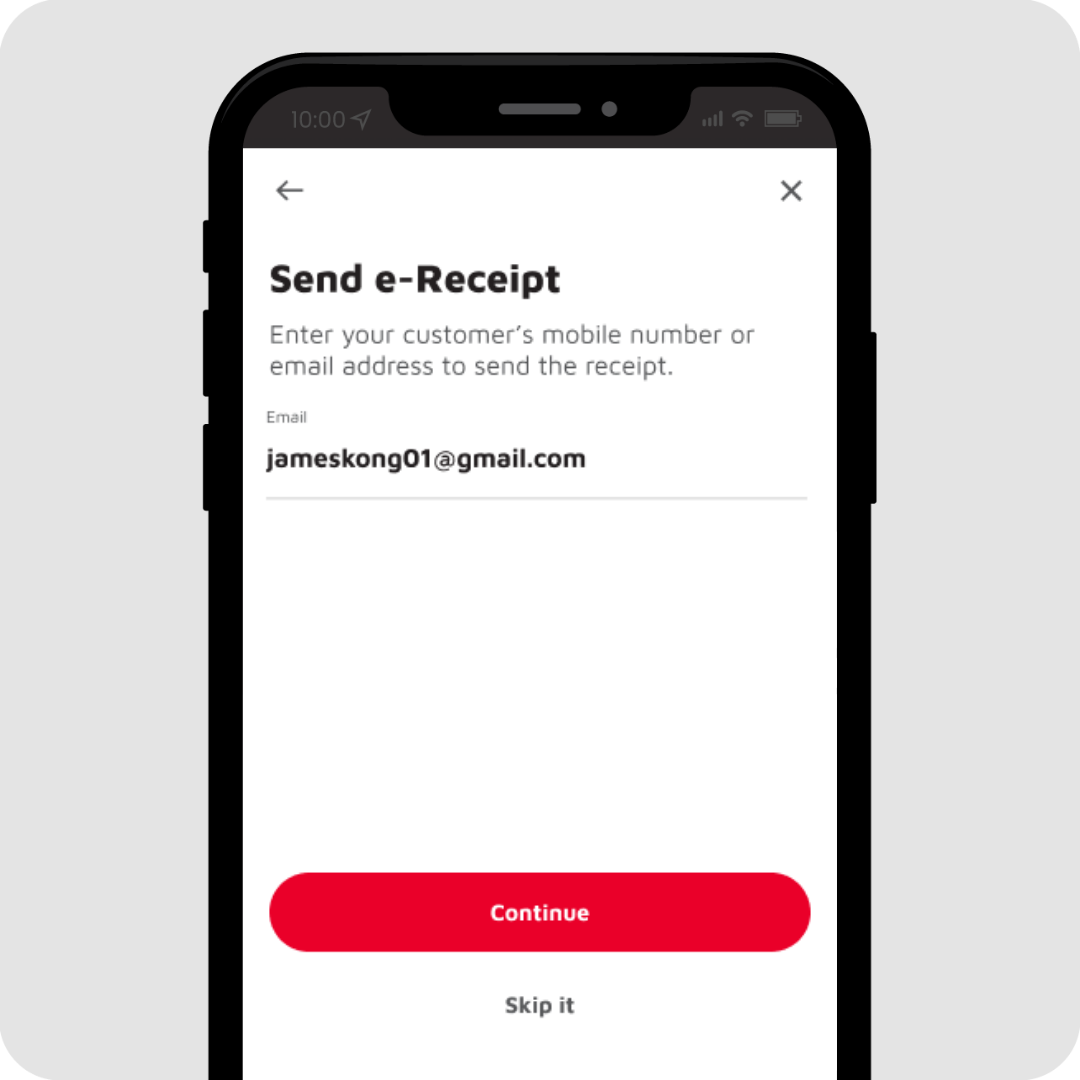
Step 4
Enter the customer’s email and tap on Continue
You can skip this step.
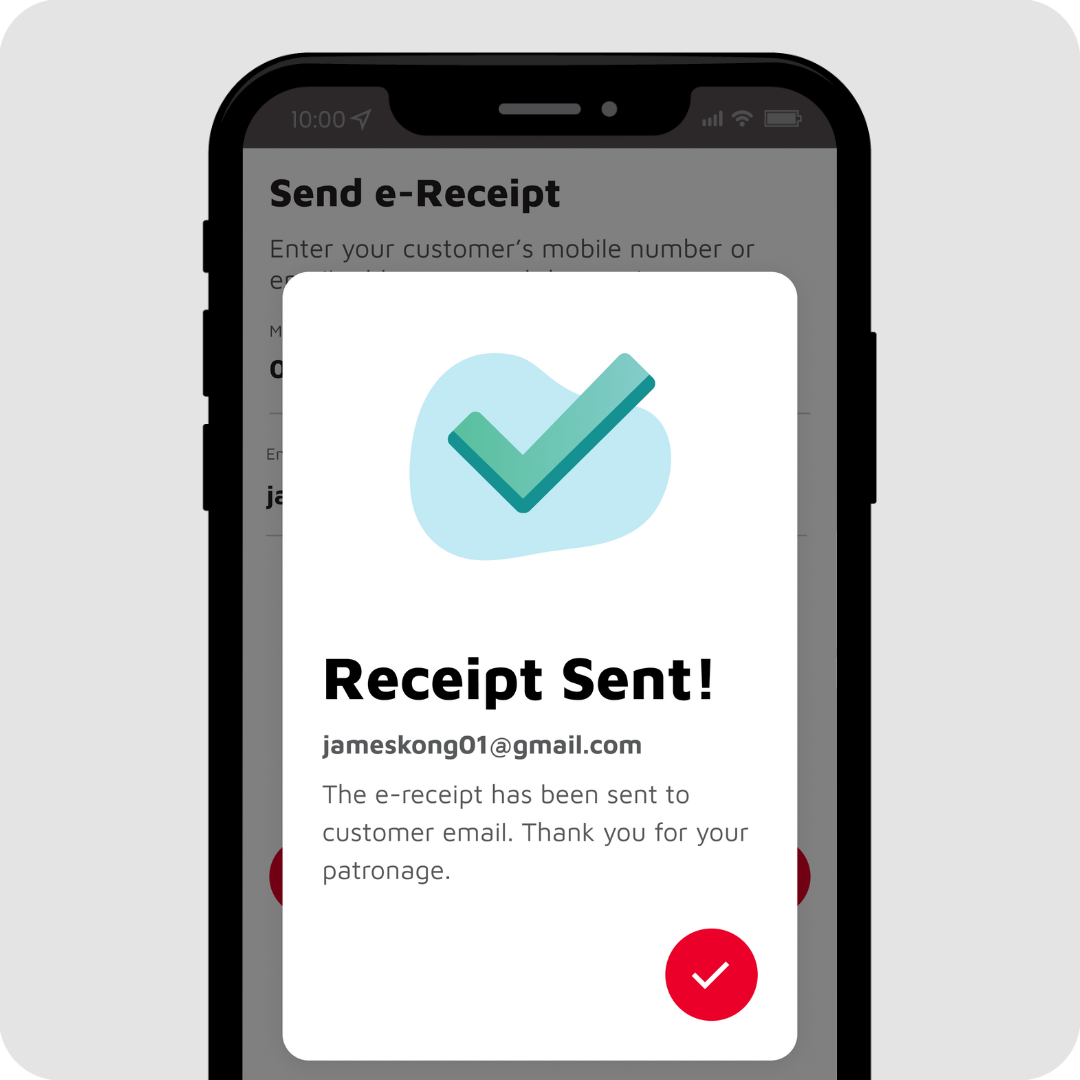
Receipt Sent!
Notification shown when the e-receipt is sent.
Tutorial Videos
We'll guide you step by step
Know More
In BoostBiz app, tap on the mPOS tile and follow the steps to complete the onboarding process.
1. BoostBiz app
2. An Android phone
3. Internet Connection
The transaction charges are as below:
Credit Card - 1.3%
Debit Card - 0.8%
Foreign Credit & Debit Card - 3.0%
For all successful transactions, the payment will be deposited to the bank account provided by you.
The settlement takes only 2 working days.
You can view the settlement reports on GKash merchant portal. You will be provided with the login credentials once your application is approved.
Yes, you can cancel/void a transaction on Gkash merchant portal. This shall be done before the settlement period (by 11:45pm on the same day).
Yes, you can send e-receipt to your customer via email and/or SMS.